tscircuit/autorouting-dataset-01
This code manages the hardware and electronic components for circuit design and PCB layout, defining components like resistors, capacitors, transistors, connectors, and footprints, and providing tools for component placement, PCB topology, and electrical connections.
- Version
- 1.0.102
- License
- unset
- Stars
- 4
lib/circuit/circuit016.tsx
/** 60% keyboard matrix using a Pico microcontroller and layouts.default60. */

// @ts-expect-error
import { KeyMatrix, layouts } from "@tsci/seveibar.keyboard-utils"
// @ts-expect-error
import { PICO } from "@tsci/seveibar.PICO"
import { shouldAutorouterRun } from "lib/shouldAutorouterRun"

// We'll need more rows and columns for a 60% keyboard
const rowPins = ["net.ROW0", "net.ROW1", "net.ROW2", "net.ROW3", "net.ROW4"]
const colPins = [
  "net.COL0",
  "net.COL1",
  "net.COL2",
  "net.COL3",
  "net.COL4",
  "net.COL5",
  "net.COL6",
  "net.COL7",
  "net.COL8",
  "net.COL9",
  "net.COL10",
  "net.COL11",
  "net.COL12",
  "net.COL13",
  "net.COL14",
]

export default () => (
  <board routingDisabled={!shouldAutorouterRun()}>
    {/* Place the Pico */}
    <PICO
      name="U1"
      pcbX={-150} // Position Pico to the left
      pcbY={20}
      layer="bottom"
      pcbRotation="90deg"
      connections={{
        // Connect Pico pins to our row/column nets
        GP15: rowPins[0], // Row 0
        GP16: rowPins[1], // Row 1
        GP17: rowPins[2], // Row 2
        GP18: rowPins[3], // Row 3
        GP19: rowPins[4], // Row 4
        GP0: colPins[0], // Col 0
        GP1: colPins[1], // Col 1
        GP2: colPins[2], // Col 2
        GP3: colPins[3], // Col 3
        GP4: colPins[4], // Col 4
        GP5: colPins[5], // Col 5
        GP6: colPins[6], // Col 6
        GP7: colPins[7], // Col 7
        GP8: colPins[8], // Col 8
        GP9: colPins[9], // Col 9
        GP10: colPins[10], // Col 10
        GP11: colPins[11], // Col 11
        GP12: colPins[12], // Col 12
        GP13: colPins[13], // Col 13
        GP14: colPins[14], // Col 14
      }}
    />

    {/* Place the KeyMatrix */}
    <KeyMatrix
      layout={layouts.default60}
      rowToMicroPin={rowPins}
      colToMicroPin={colPins}
      pcbX={25} // Position matrix to the right
      pcbY={10}
    />
  </board>
)
Related Packages
 More from this authortscircuit/dataset-srj12-bus-routingThe code defines electronic circuit diagrams featuring PCB layouts with USB-C, HDMI, and general-purpose chips, connecting their pins with traces, component footprints, and annotations for hardware design.
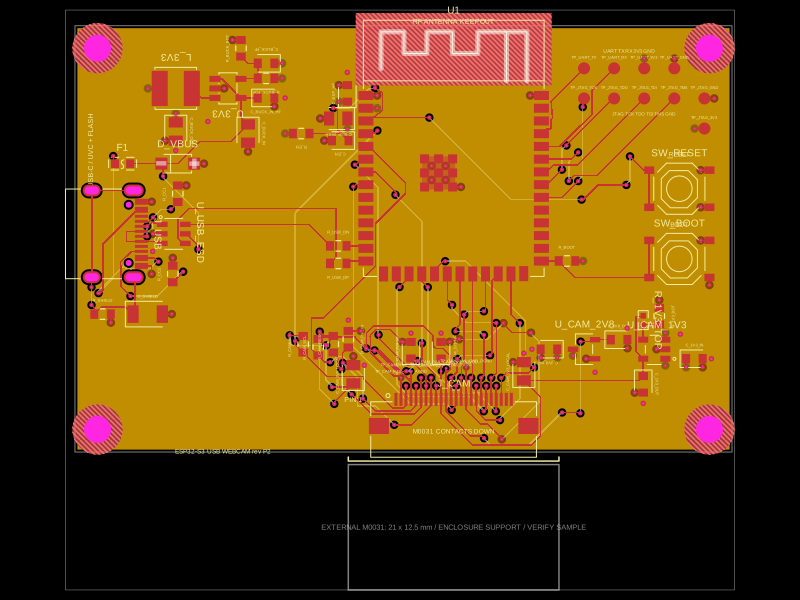 Similar package0hmX/esp32-s3-usb-webcam-ov2640This code defines and integrates a variety of surface-mount, through-hole, and connector hardware components (including microcontrollers, regulators, resistors, capacitors, and connectors) into a PCB design framework, enabling schematic symbol creation, footprint definition, and automated routing within an electronic circuit layout.
 Discover something newastra-abse/t113-s3Allwinner T113-S3 fanout from JLCPCB C5197687: 128 verified escapes, LCD top, storage right; reusable T113S3Module with clean DRC and shorts checks.